Version 1763829185
KALEIDXSCOPE
Gate Tracker
Quickly check which KALEIDXSCOPE gate songs still need to be played. Supports Blue, Red and Black gates.
Screenshots
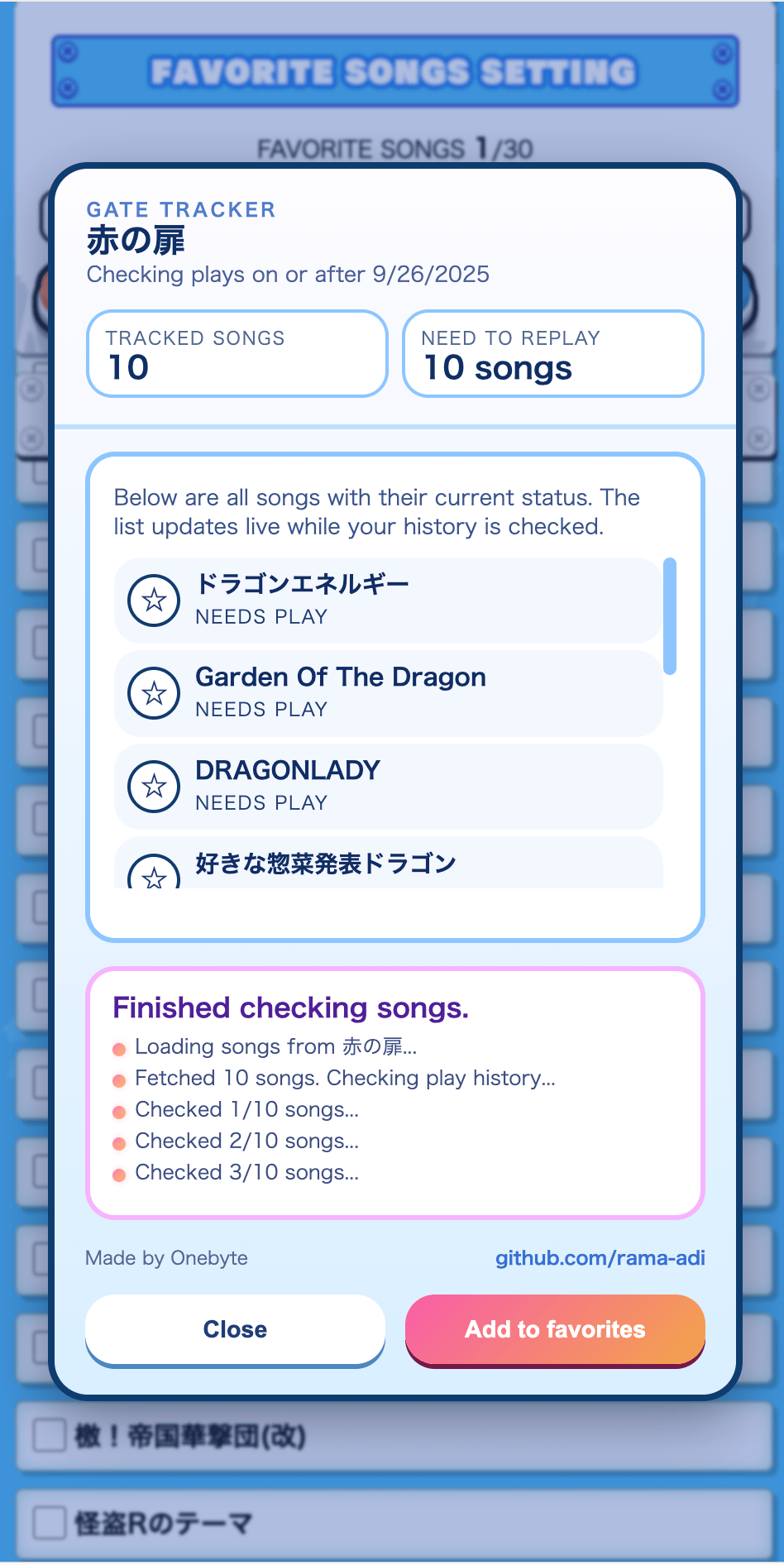
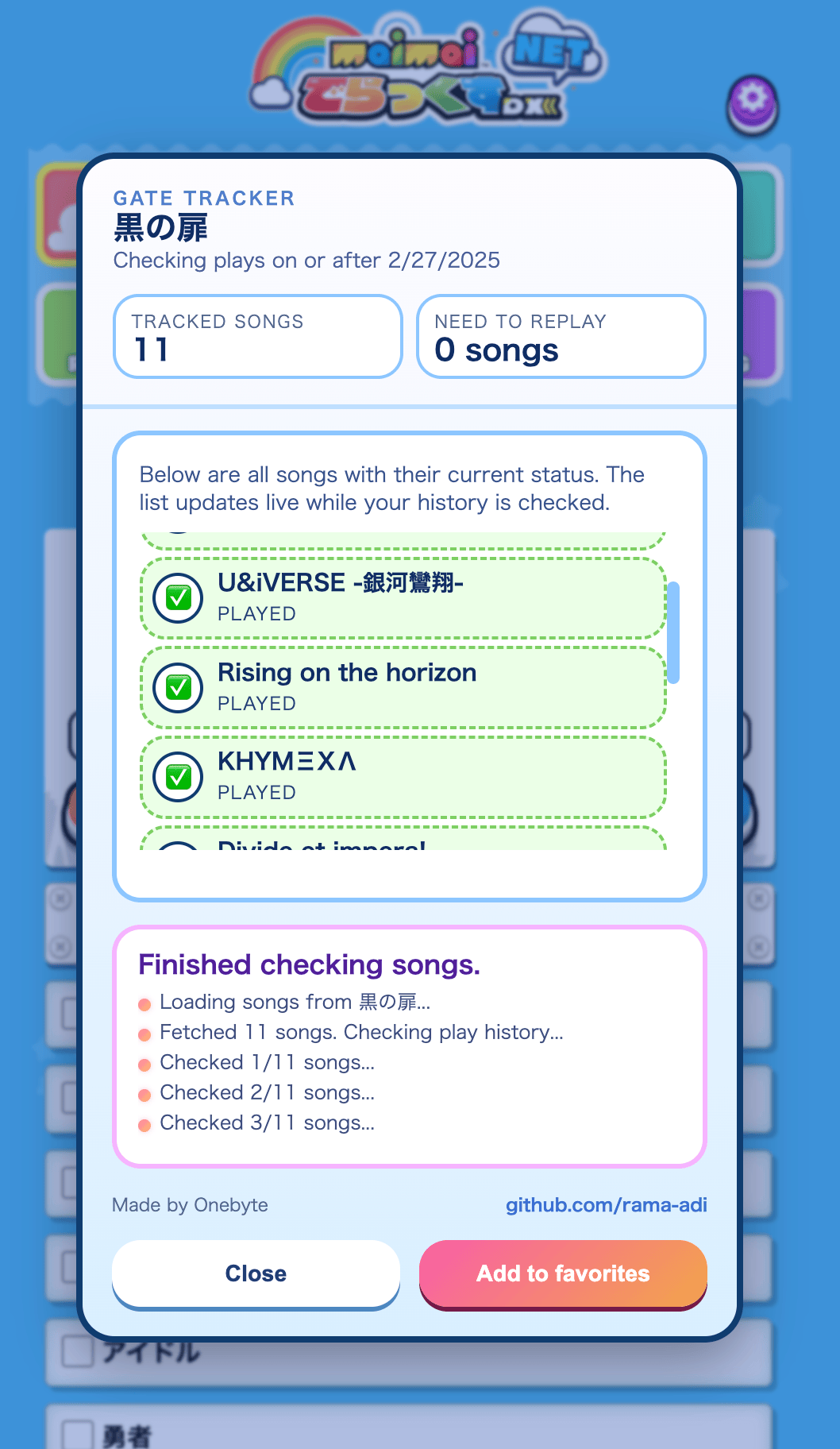
How Gates Work
Keys are earned by fulfilling conditions; gates unlock at area ends. Blue, Red and Black gates each require playing specific songs from a starting date onward. The tracker shows which songs still need valid play history.
Features
- Loads all required songs for Blue, Red and Black gates
- Checks your recent play history to mark valid or missing plays
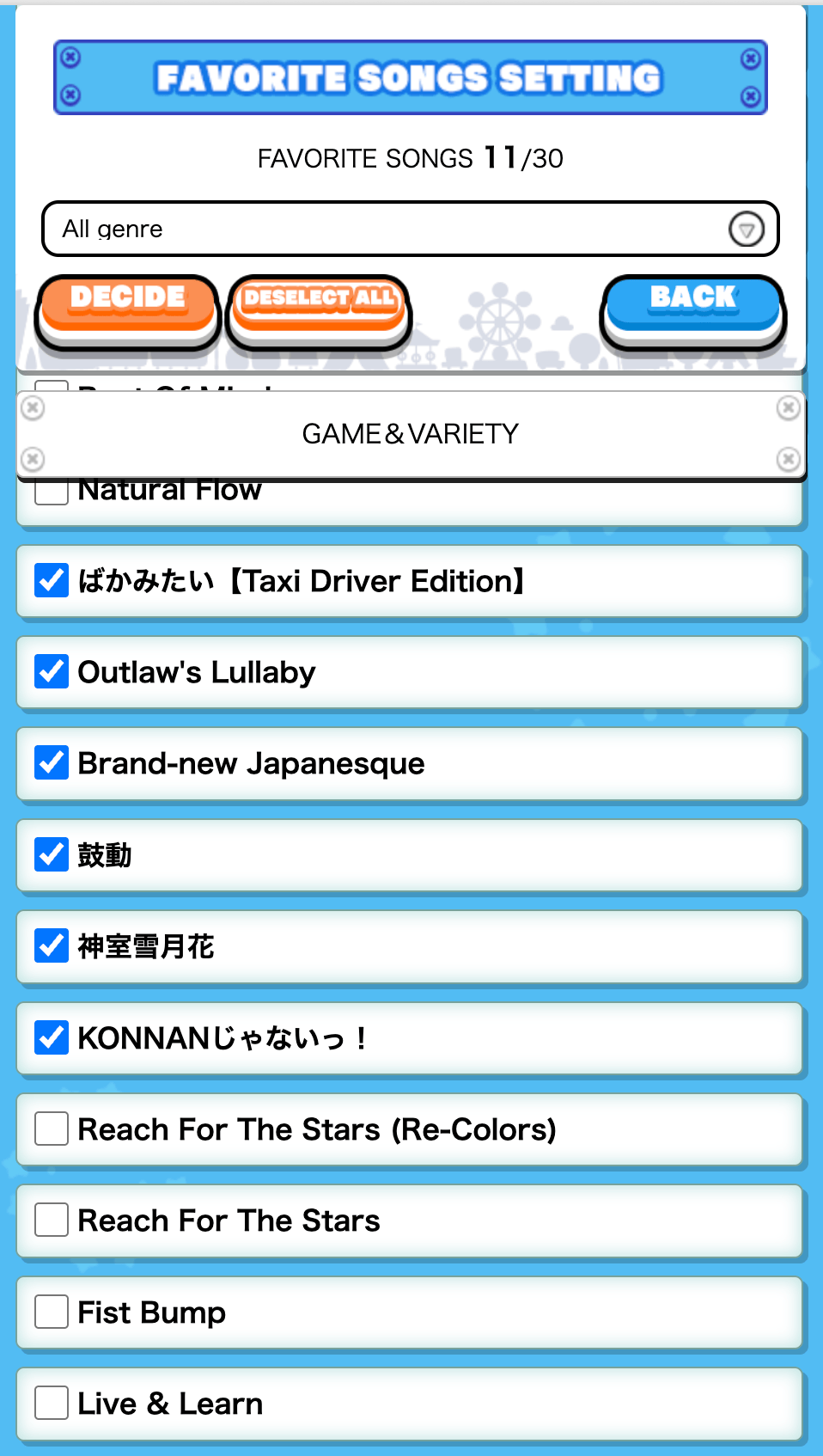
- Can add required songs to favorites automatically
Get Started
Acknowledgement: instructions adapted from Myjian's MMBL. Recommended to Read them first
PC Desktop Instructions
- Show your browser's bookmarks bar.
- Drag the button below into the bar to save it.
- Log in to maimai DX NET and open the target page.
- Click the bookmarklet to run it.
M Mobile Setup
- Copy the code below.
- Add any page to bookmarks.
- Edit it and paste the code as URL.
- Rename to "KALEIDXSCOPE".
▶ How to Run (Mobile)
- Open Chrome & login to maimai DX NET.
- Go to the target page.
- Tap URL bar, type bookmark name.
- Tap the bookmark suggestion.
Userscript (Tampermonkey)
For a more permanent installation, you can use the userscript version. Requires a userscript manager like Tampermonkey.
JS Installation
- Install the Tampermonkey extension for your browser.
- Click the button below to install the script.
- Confirm the installation in the Tampermonkey tab that opens.